I’ve been working on implementing two types of searches: (a) web search and (b) local search. This post covers my approach to the latter.
Local search helps find relevant text or code in local files. The search scope is limited to a single project rather than being global. Effectively the planning first identifies the project, and then it does a local search in the context of that project.
Given an overarching goal, the planning agent can break down multiple local searches as needed.
To keep things simple, I’ll walk through an example where the goal is find the tsx page that displays the llm pricing and change the title to tbd.
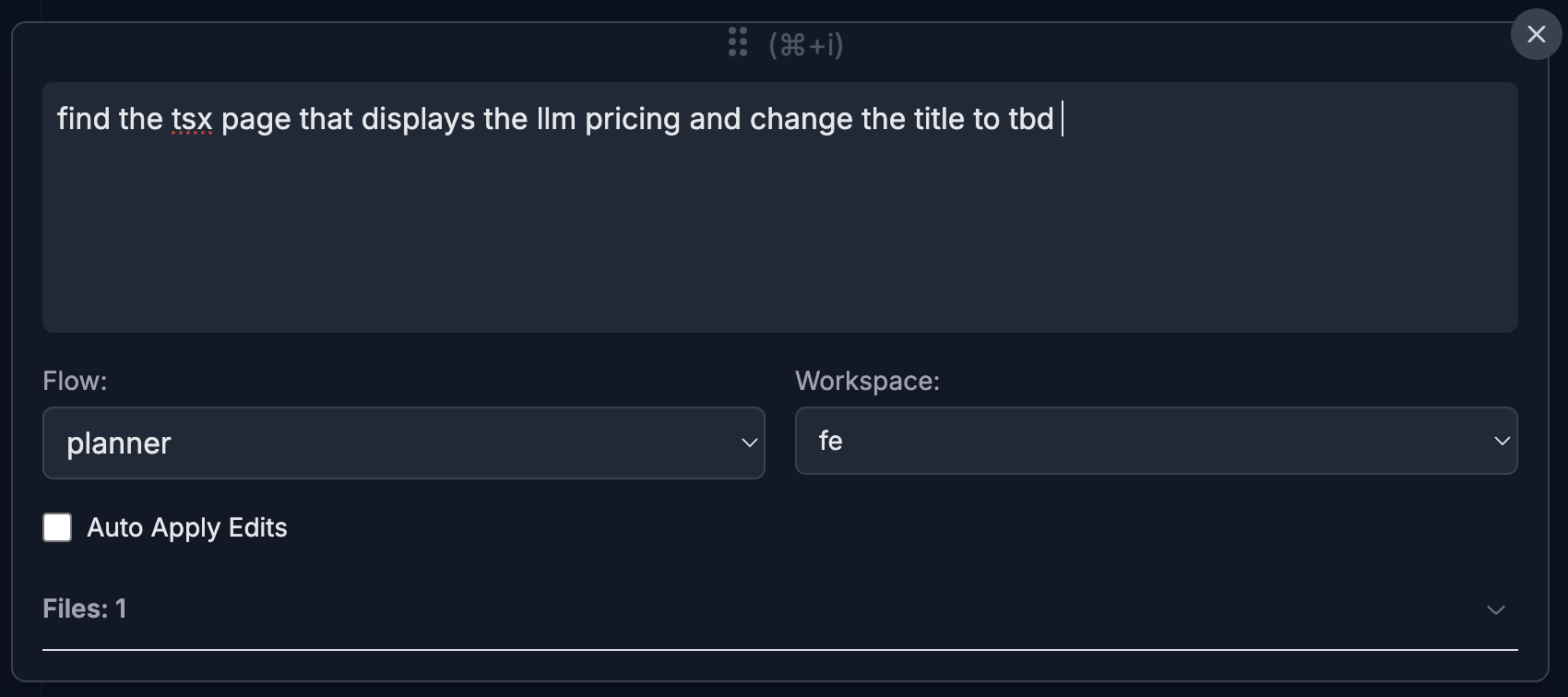
The planner will then produce an execution plan like this:
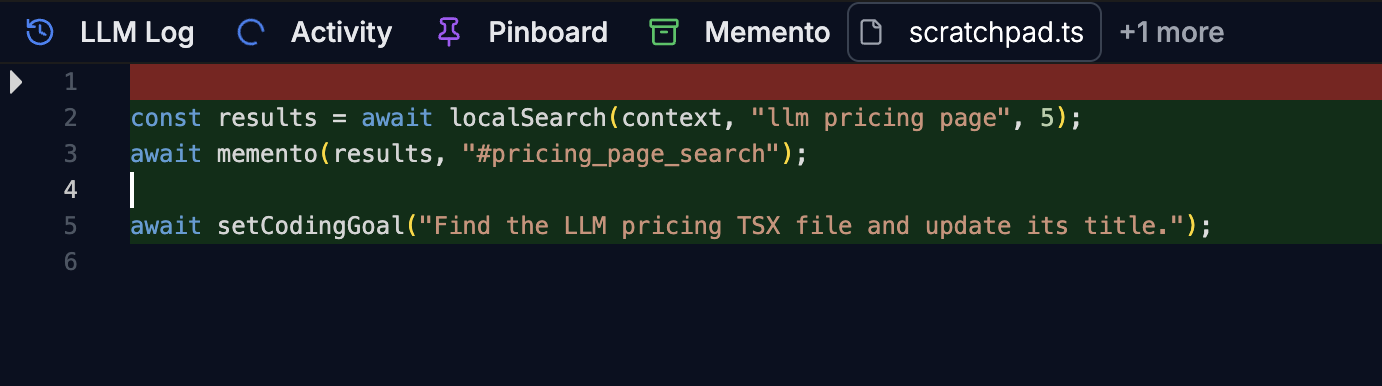
1const results = await localSearch(context, "llm pricing page", 5);
2await memento(results, "#pricing_page_search");
3
4await setCodingGoal("Find the LLM pricing TSX file and update its title.");
Here’s how I’ve organized the local search mixer:
  %%{init: {'theme':'dark'}}%%
flowchart TD
    A[1. Extract LSP symbols & keywords] --> B[2. Query Rewrite with keywords]
    B --> C[3. Execute BM25 search]
    C --> D[4. Extract relevant Fragments<br>using Flash model]
    D --> E[5. Rank Fragments by relevance]
Implementation details:
- Keywords are useful for non-code files, such as Markdown documentation or configuration files
- Fragment extraction uses a Flash model to identify relevant sections within files
The screenshot below shows the post-ranking results saved in Memento. In this case, there were multiple file matches, and the ranker helped surface the relevant file fragment for our query.
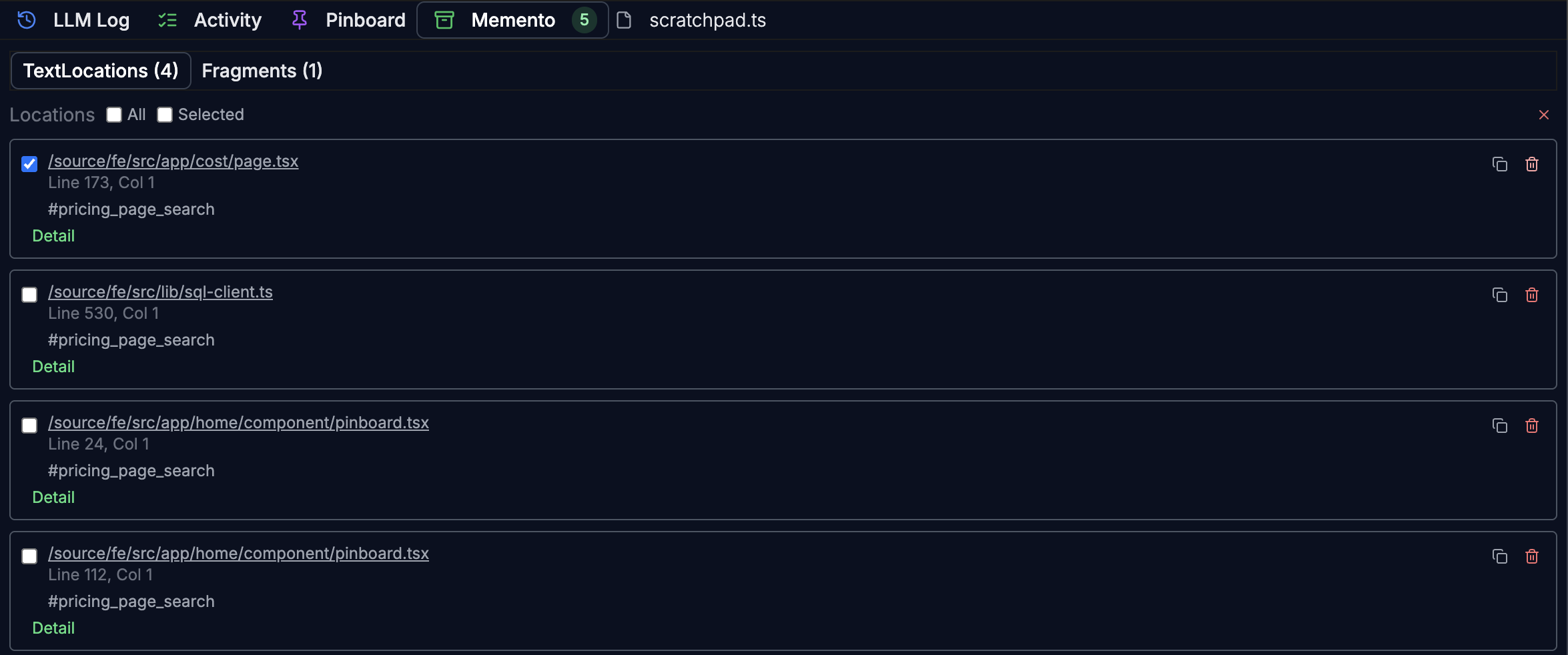
By identifying the specific file fragment in Memento, I can send only the necessary context to the coding LLM. In my experience, this has helped improve accuracy while keeping token costs down.