I wanted to share some notes on how I use the Memento component.
The Memento holds two types of artifacts:
- TextLocations - this is mostly structured text, e.g LSP symbol definitions, LSP symbol references, etc.
- Fragments - this is unstructured text, e.g. the result of a web search, a note to remember, etc.
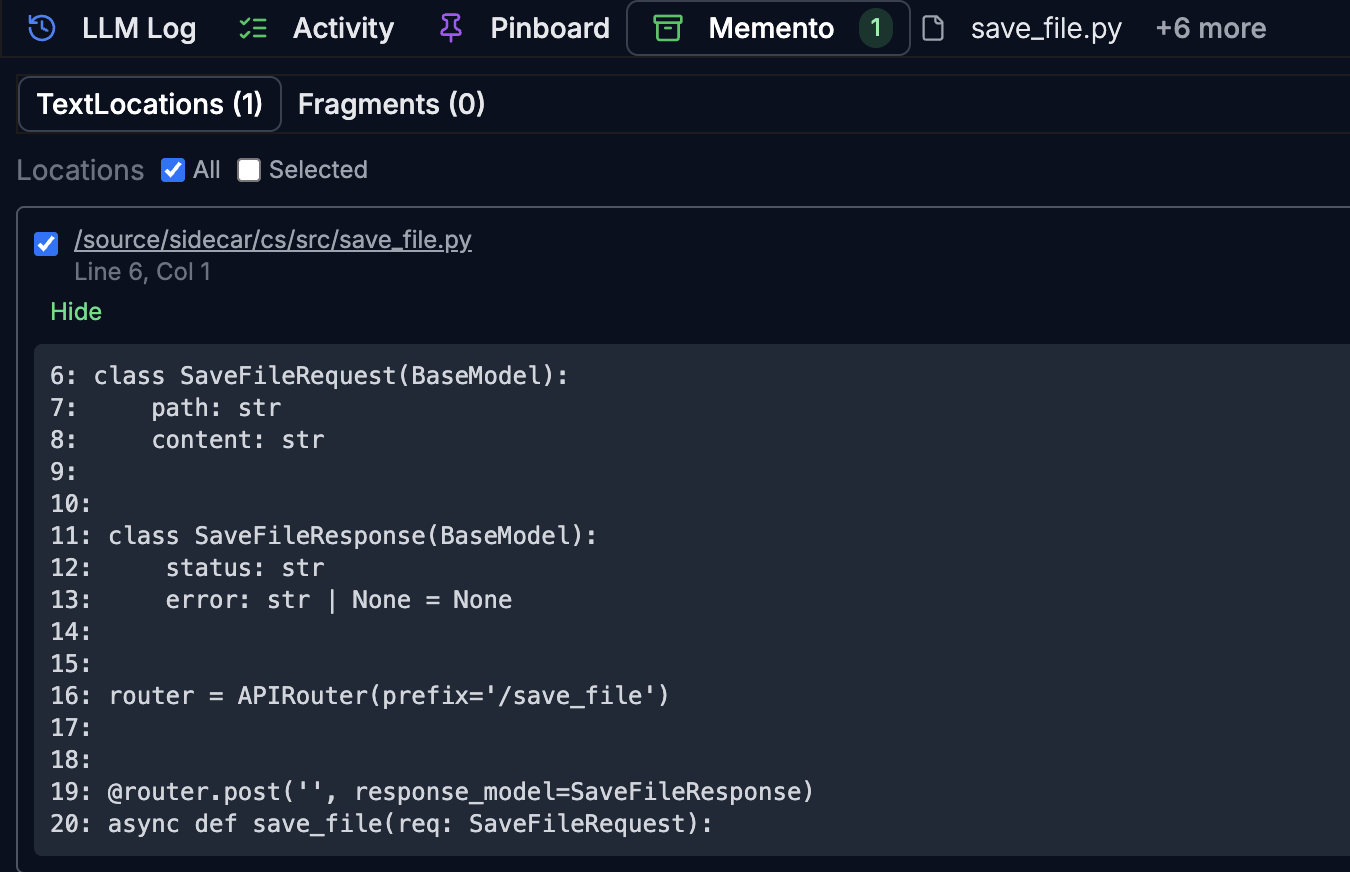
Agentic use-case
This is one use-case for the Memento. Instead of maintaining a long-context LLMs outputs and tool results (e.g. LSP) are added to the Memento.
  %%{init: {'theme':'dark'}}%%
flowchart LR
    Agents --> Memento
    LSPs --> Memento
    Query --> Reranker
    Memento --> Reranker
    Reranker --> LLM-Context

    style Agents fill:#2ecc71,stroke:#27ae60,stroke-width:2px,color:#fff
    style LSPs fill:#9b59b6,stroke:#7d3c98,stroke-width:2px,color:#fff
    style Memento fill:#4a9eff,stroke:#2d7ad4,stroke-width:3px,color:#fff
    style Query fill:#e67e22,stroke:#d35400,stroke-width:2px,color:#fff
    style Reranker fill:#1abc9c,stroke:#16a085,stroke-width:2px,color:#fff
    style LLM-Context fill:#f1c40f,stroke:#f39c12,stroke-width:2px,color:#000
Then, the Reranker selects the relevant items in Memento to be added to the LLM context. This keeps the LLM interactions single-turn.
Hybrid use-case
Sometimes it is more expedient for me to add to the context the relevant data fragments.
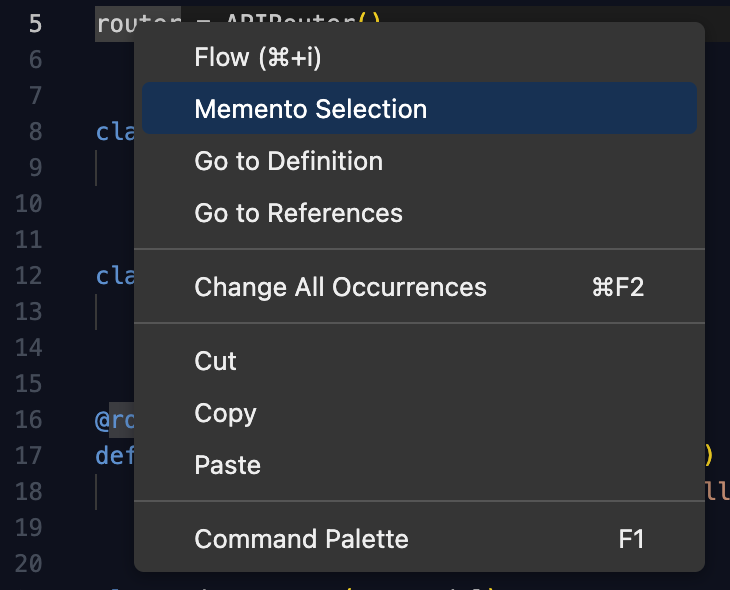
I can do that from the context menu of the editor, and also all the flows I run manually have the ability to post fragments to the Memento.
For example, this allows me to select only the necessary pieces via manual selection or LSP references, rather than including 10 large files in the LLM context.
I hope this gives a clearer picture of how the Memento fits into my workflow.