My setup is built around docker compose, with a web app using the Monaco editor as the main interface.
Because my app runs in the browser, I keep several tabs open and work on multiple tasks in parallel. When a task needs my attention, I review the progress, approve it or add additional guidance, and then let it carry on while I switch to another tab.
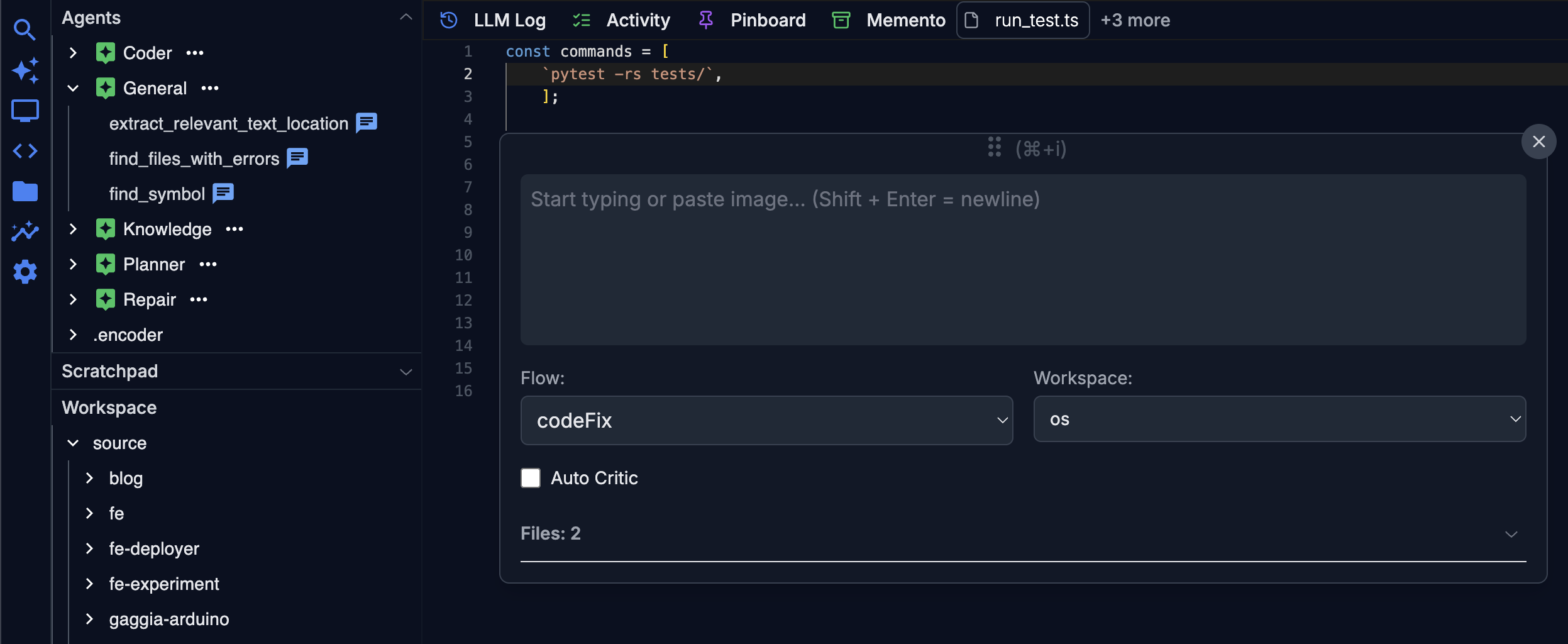
Isolation
Each application under development gets its own docker container. The same goes for supporting services like LSPs and the LLM gateway—they each live in their own container too. This modular approach makes it easy to add new capabilities, even when they have different runtime requirements.
%%{init: {'theme':'dark', 'themeVariables': {'primaryColor': '#6366f1', 'primaryTextColor': '#fff', 'primaryBorderColor': '#818cf8', 'lineColor': '#a5b4fc', 'secondaryColor': '#1e1b4b', 'tertiaryColor': '#312e81'}}}%%
block
columns 1
db[["Web Editor"]]
blockArrowId6<[" "]>(down)
block:FE
Mixers["Mixers"]
Flows
end
blockArrowId7<[" "]>(down)
block:BE
Services["Common Services"]
LSPs
LLM["LLM Proxy"]
Webdav["Webdav"]
Redis
end
block:BE2
DevContainerA["Dev Container"]
DevContainerB["Dev Container"]
DevContainerC["Dev Container"]
end
blockArrowId8<[" "]>(down)
D["Unified storage /source"]
style db fill:#6366f1,stroke:#818cf8,stroke-width:3px,color:#fff,rx:10
style LSPs fill:#a855f7,stroke:#c084fc,stroke-width:2px,color:#fff,rx:8
style D fill:#0ea5e9,stroke:#38bdf8,stroke-width:3px,color:#fff,rx:10
style FE fill:#0f172a,stroke:#6366f1,stroke-width:2px,rx:12
style BE fill:#0f172a,stroke:#a855f7,stroke-width:2px,rx:12
style BE2 fill:#0f172a,stroke:#f43f5e,stroke-width:2px,rx:12
classDef front fill:#10b981,stroke:#34d399,stroke-width:2px,color:#fff,rx:8
classDef back fill:#8b5cf6,stroke:#a78bfa,stroke-width:2px,color:#fff,rx:8
classDef container fill:#f43f5e,stroke:#fb7185,stroke-width:2px,color:#fff,rx:8
class Mixers,Services,LLM,Redis front
class Flows,Webdav back
class DevContainerA,DevContainerB,DevContainerC container
Mixers
Mixers bring together multiple backend services into a cohesive, reusable unit. For example, I have a mixer that runs all the verification Objectives for a workspace. This way, the Planner can verify that nothing was broken and that new code changes actually implement what was intended.
Here is a snippet from the mixer that verifies the Objectives for a workspace:
 1export async function verifyObjective(context: Context): Promise<VerifyObjectiveResult> {
 2    const objectiveResults: string[] = [];
 3    if (context.workspace.objective) {
 4        for (const objective of context.workspace.objective) {
 5            const objectiveResult = await runTask(objective, context);
 6            objectiveResults.push(objectiveResult.result);
 7        }
 8    }
 9
10    const agentResponse = await invokeAgent(
11        "general/find_files_with_errors",
12        objectiveResults.join('\n')
13    );
14
15}
Mixers are lightweight orchestration helpers—they save agents from having to reinvent common sequences of steps.
Flows
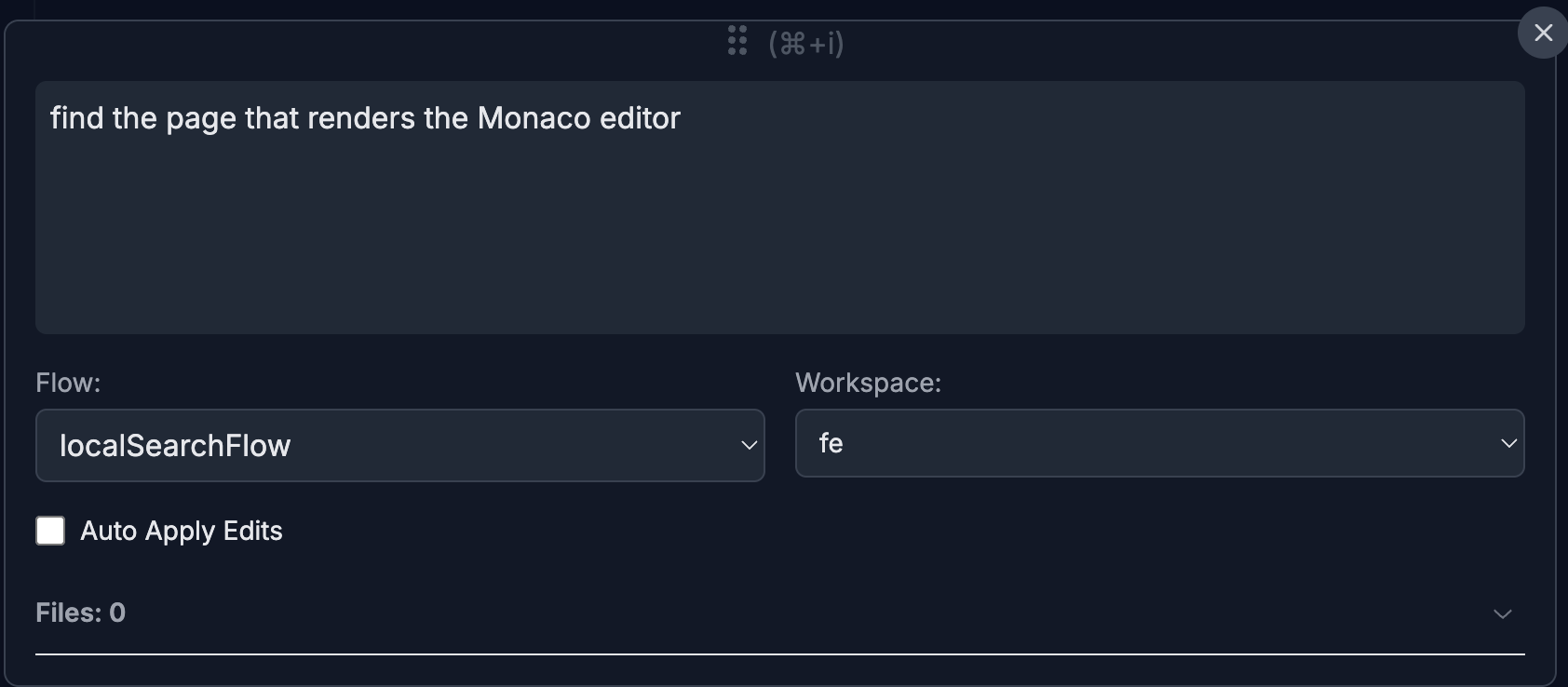
Flows are simple wrappers around Mixers that make them launchable from the UI. Any logical grouping of tasks that a user might want to trigger—like the Planner, Coder, or local file search—is modeled as a Flow. These show up in the launcher dropdown, as seen below.
LSPs
I run LSPs as separate docker containers, which makes it much easier to manage the dependencies each one needs. On top of that, there’s a unified LSP service interface that can communicate with the appropriate LSP for any given workspace.
Development containers
Every project I work on runs in a docker container. I never do any development directly on the host OS because I value the ability to:
- Reproduce environments exactly - Any machine can run the same development setup with identical dependencies and configurations
- Isolate project dependencies - Different projects can use different versions of languages, libraries, and tools without conflicts
- Keep my host OS clean - No accumulation of old packages and conflicting versions
Perhaps an even more salient reason: coding agents can generate catastrophic commands, and I don’t want those executed on my host OS. If they do generate destructive commands, I want the ability to recover to a previous stable state of the container.
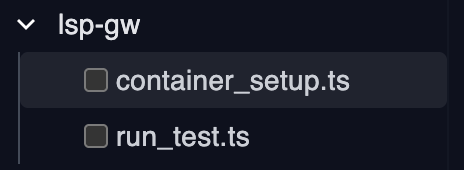
I probably should have named this file verify_container_setup.ts instead of container_setup.ts (although it is under the /objectives/ folder where I keep all the Objectives for each project). lsp-gw is my LSP Gateway—the common interface for all the LSPs.

1const dockerRestartResult = await dockerRestart('lsp-gw');
2console.log(`### dockerRestartResult: [${JSON.stringify(dockerRestartResult)}].`);
3
4return JSON.stringify(dockerRestartResult);
The Planner executes this container_setup.ts Objective when it is working on configuring the docker image of a dev container. So I’m not only using objectives to compile, test, etc. within the container, but also to set up the container images themselves.
As I mentioned before, I usually have two objectives for each project as shown in the screenshot below:
- Building the docker environment of the project (the
container_setup.tsfile) - Compiling, testing, linting, etc the project within the container (the
run_tests.tsfile)
Putting this modular foundation in place was a significant time investment, but it was also an enjoyable experience. Now it’s even more gratifying to use it and be able to add new extensions when I need them that validate the modularity.